Design a card
they recognise.
Choose your logo, card colours, stamp icon, and purchase target. Check your card design before publishing it.
Give customers a reason to return before they leave. Your rewards stay in Apple Wallet or Google Wallet, with no extra app to download.
Get started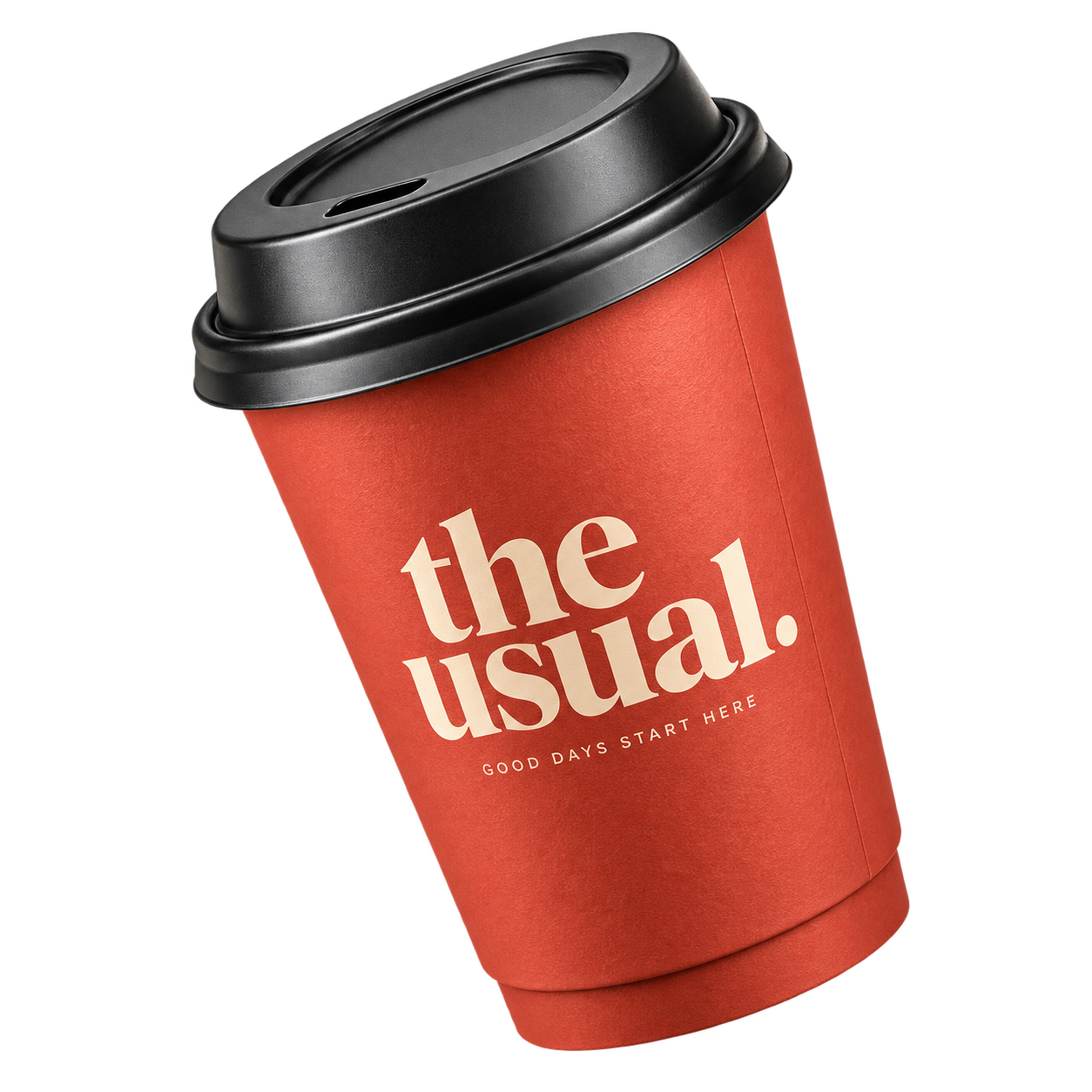
Customers save your card to Apple Wallet or Google Wallet. No store app to install or website to revisit.
Choose your logo, colours, and the reward customers can earn.
Place your signup QR at the counter. Customers scan it, join, and save their card.
Scan their card to add a stamp or redeem a reward. Their balance updates in Wallet.
 7264 0891 5302 4178
Design the card, serve customers, and follow their progress from one dashboard.
Choose your logo, card colours, stamp icon, and purchase target. Check your card design before publishing it.
Use your device’s camera to find a card, then confirm a stamp or reward. Enter the card number if a scan won’t work.
Search your customers and see their stamp balance, redeemed rewards, and card history before you serve them.
Track enrolments, stamps issued, and rewards redeemed. Review the activity behind the totals.
Staff can stamp and redeem. Managers can review customers and correct mistakes. Owners control the card and billing.
Download your signup QR and print a counter sign. Customers can join while they’re already in your store.
Send a weekday offer, announce a new menu, or remind customers about their reward. Reach them through the card they already keep in Wallet.
Start free with your first 50 customers. Upgrade for a larger customer base, team access, and promotional notifications.
Put your first loyalty program to work.
Give your team the tools to manage repeat visits.
More team access and room for regular campaigns.
Choose your customer capacity, then compare the tools that help you manage and grow it.
| What’s included | |||
|---|---|---|---|
| Enrolled customers | 50 | 1,000 | 5,000 |
| Stamps & reward redemptions | Unlimited | Unlimited | Unlimited |
| Apple Wallet & Google Wallet | Included | Included | Included |
| Logo, colours & reward settings | Included | Included | Included |
| Camera scan & manual card lookup | Included | Included | Included |
| Signup QR & printable counter sign | Included | Included | Included |
| Automatic stamp & reward updates | Included | Included | Included |
| Overview totals | Included | Included | Included |
| Team accounts, including owner | 1 | 3 | 10 |
| Customer records & individual history | Not included | Included | Included |
| Manager & staff roles | Not included | Included | Included |
| Full activity log & corrections | Not included | Included | Included |
| Promotional campaigns | Not included | 4 / month | 12 / month |
| Campaign scheduling | Not included | Not included | Included |
There is no StorePunchCards app to install. Customers scan your signup QR once and save the card to Apple Wallet or Google Wallet. After that, they open Wallet when they visit. A secure browser card is also available for customers who prefer it.
Growth includes 4 promotional campaigns each month. Pro includes 12, plus scheduling. Use them for offers, new arrivals, and reward reminders for customers who have opted in. Customers control notifications in their Wallet settings.
Free includes 50 enrolled customers, Growth includes 1,000, and Pro includes 5,000 per business. Each customer record has one ongoing loyalty card. Stamps and reward redemptions do not count as new customers.
Upgrade to enrol more customers. Customers already enrolled can keep collecting stamps and redeeming rewards. Reaching the limit does not erase their progress.
You choose the reward and the number of stamps needed. For “buy 9, get the 10th free”, your team adds a stamp for each paid purchase and redeems the reward after nine stamps. The card then resets for the next round.
Every card has a 12-digit number. Your team can enter it manually to find the customer’s card and add a stamp.
Any business that rewards repeat visits can use StorePunchCards, including coffee shops, auto shops, restaurants, barbers, salons, car washes, gyms, and retailers. You choose which purchases qualify and what reward customers earn.
No. You can create your card and try StorePunchCards for 14 days without entering payment details.